In this article
AI tools are now part of everyday office, design and programming work. Knowing how to use them well, and when not to, is becoming a basic workplace skill.
Where AI tools help
- Drafting: a first version of an email, report outline or social post that you then edit.
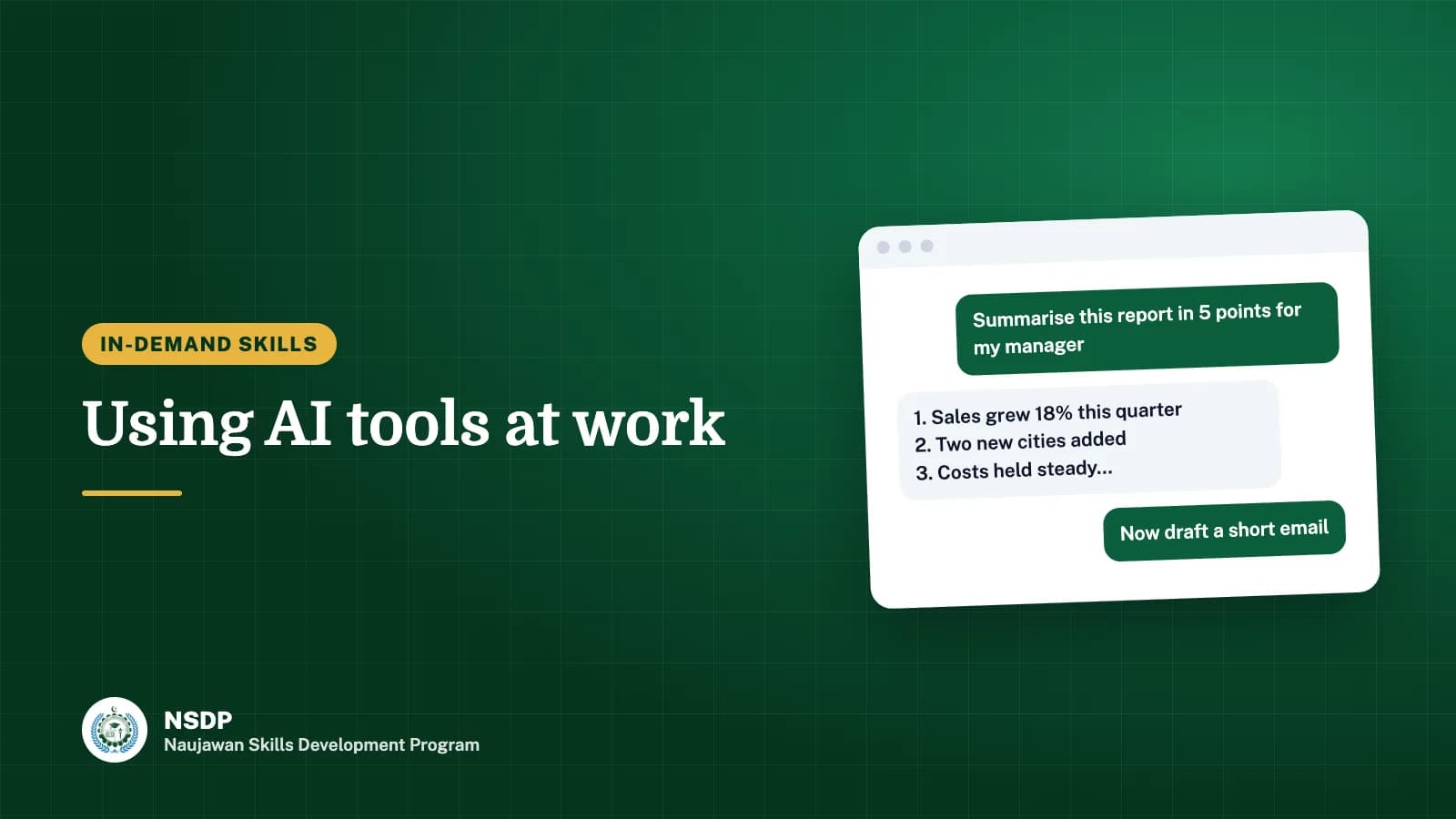
- Summarising: the main points of a long document, which you check against the original.
- Explaining: a plain-language explanation of a new topic or an error message.
- Coding help: suggestions and explanations while you write and test code yourself.
Where to be careful
AI tools can state wrong facts confidently. Always check names, figures, dates, laws and prices against a reliable source. Never present AI output as your own checked work without reading it fully.
Write clear instructions
Good results come from clear requests. Say who the text is for, what it must include, how long it should be, and the tone. Then ask for changes: "shorter", "simpler English", "add a table".
Protect private information
Do not paste CNIC numbers, passwords, customer records or confidential company documents into public AI tools. Follow your employer's rules on which tools are allowed.
Build the skill
- Use an AI tool to plan a week of study, then adjust the plan yourself.
- Ask it to explain a concept from your course, then test your understanding with a quiz.
- Compare its summary of an article with your own and note what it missed.
AI does not replace learning a skill properly. It helps people who already understand their work do it faster. NSDP's courses teach the underlying skills that make these tools useful.
Questions and answers
Can I use AI tools for NSDP assignments?
Follow your instructor's rules for each assignment. Where AI help is allowed, you remain responsible for checking and understanding everything you submit.